
 EN
EN

How to Choose a Bluetooth Keyboard and Mouse Combo: A Complete Buying Guide
Introduction
A Bluetooth keyboard and mouse combo offers a convenient way to improve productivity while keeping a workspace clean and flexible. From office desktops to tablets and mobile workstations, wireless input devices help users type, navigate, and work without the restrictions of traditional wired peripherals.
However, choosing the right product involves more than comparing prices. Connection stability, device compatibility, typing comfort, mouse performance, portability, battery life, and product durability all influence the overall experience.
This guide explains how to choose a wireless keyboard and mouse combo, what to consider when buying a keyboard and mouse, how to find a suitable Bluetooth keyboard and mouse for tablet use, and what businesses should evaluate when sourcing products from a professional manufacturer.

What Is a Bluetooth Keyboard and Mouse Combo?
A Bluetooth keyboard and mouse combo is a set of wireless input devices that communicates with compatible computers, tablets, and other host devices through Bluetooth technology. Because Bluetooth devices can connect directly to a compatible host, a dedicated USB receiver is not required for Bluetooth operation.
A typical combo includes a keyboard, a mouse, wireless communication hardware, and a power system. Depending on the model, it may also offer rechargeable batteries, multimedia shortcuts, compact construction, or multi-device switching.
Key Components of a Bluetooth Keyboard and Mouse
- Bluetooth keyboard: Sends keystrokes, shortcuts, and supported commands to the connected device.
- Bluetooth mouse: Supports cursor movement, clicking, scrolling, and other functions provided by the product.
- Wireless connection: Enables communication with a compatible host without a physical data cable.
- Power system: Uses replaceable batteries or a built-in rechargeable battery, depending on the design.
- Optional multi-device controls: Allow supported models to switch between paired devices.
Not every Bluetooth keyboard and mouse includes all these features. Always review the product specifications to confirm what the particular model supports.
Bluetooth Keyboard and Mouse vs. Wireless Keyboard and Mouse Combo
The terms “Bluetooth keyboard and mouse” and “wireless keyboard and mouse combo” are related, but they are not always interchangeable. Bluetooth is one type of wireless connectivity, while some wireless combos use a dedicated 2.4 GHz USB receiver.
Bluetooth Connectivity
A Bluetooth keyboard and mouse connect directly to a compatible host device. This can be useful for laptops, tablets, and computers with limited USB ports.
Common advantages include:
- No dedicated USB receiver for Bluetooth operation.
- Flexible placement without data cables.
- Convenient connection to compatible mobile devices.
- Potential support for pairing with multiple devices.
- A cleaner and more organized workspace.
The host device must support the necessary Bluetooth functionality. Initial pairing and reconnection behavior can also vary by product and operating system.
2.4 GHz Wireless Connectivity
A 2.4 GHz wireless keyboard and mouse combo generally communicates through a dedicated USB receiver. This can be convenient for desktop computers and workstations with an available USB port.
Potential benefits include simple receiver-based setup and an alternative for computers without suitable Bluetooth support. Buyers should confirm receiver compatibility, USB availability, and the manufacturer’s connection specifications.
Which Wireless Keyboard and Mouse Combo Should You Choose?
Neither option is best for every situation. Choose according to the devices you use, your workspace, and the features you need.
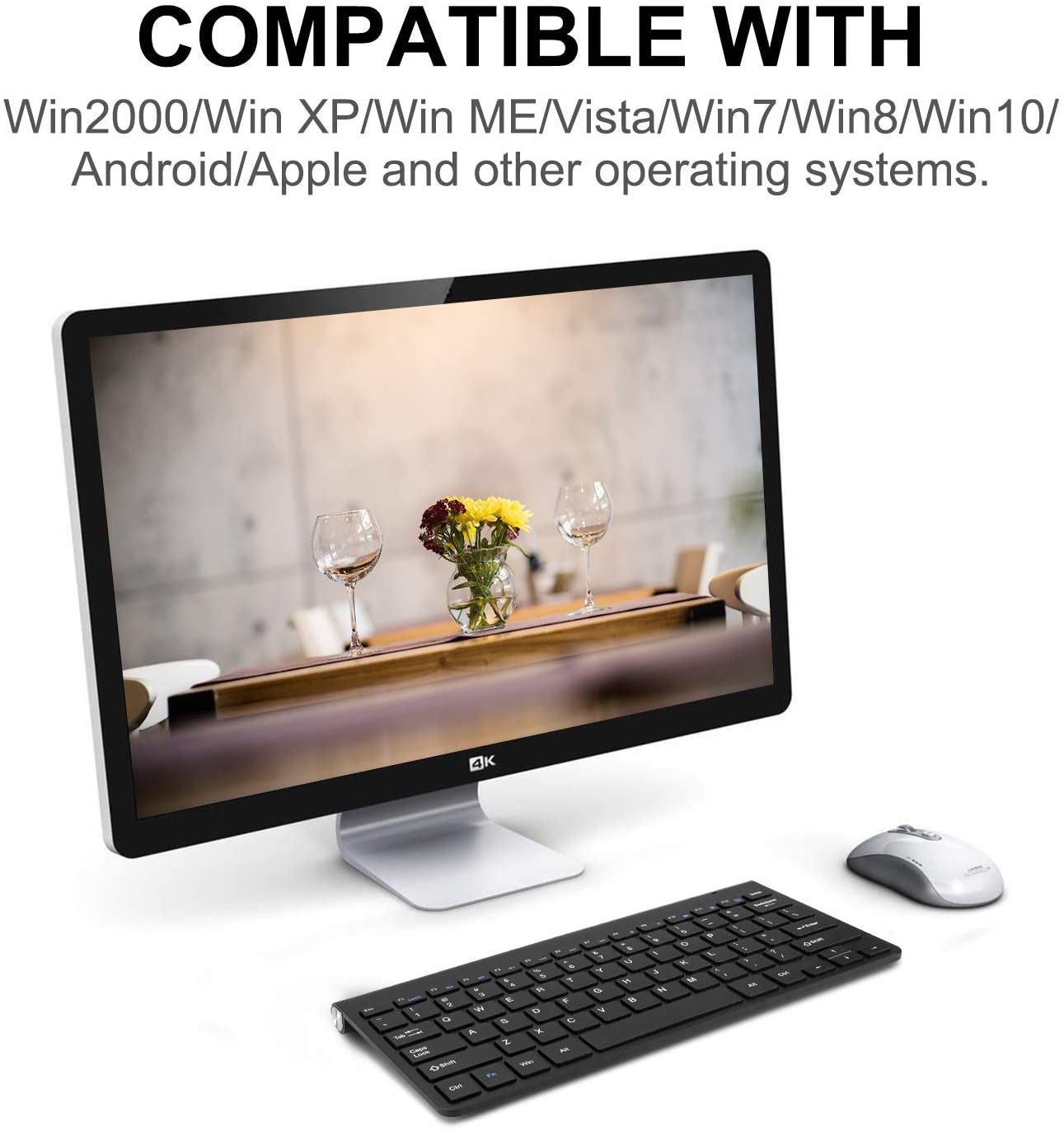
How to Choose a Bluetooth Keyboard and Mouse
When buying a keyboard and mouse, start by identifying the main use case. A set designed for office productivity may prioritize comfortable typing and quiet operation, while a travel-friendly combo may focus on portability and efficient power consumption.
Choose the Right Keyboard Layout
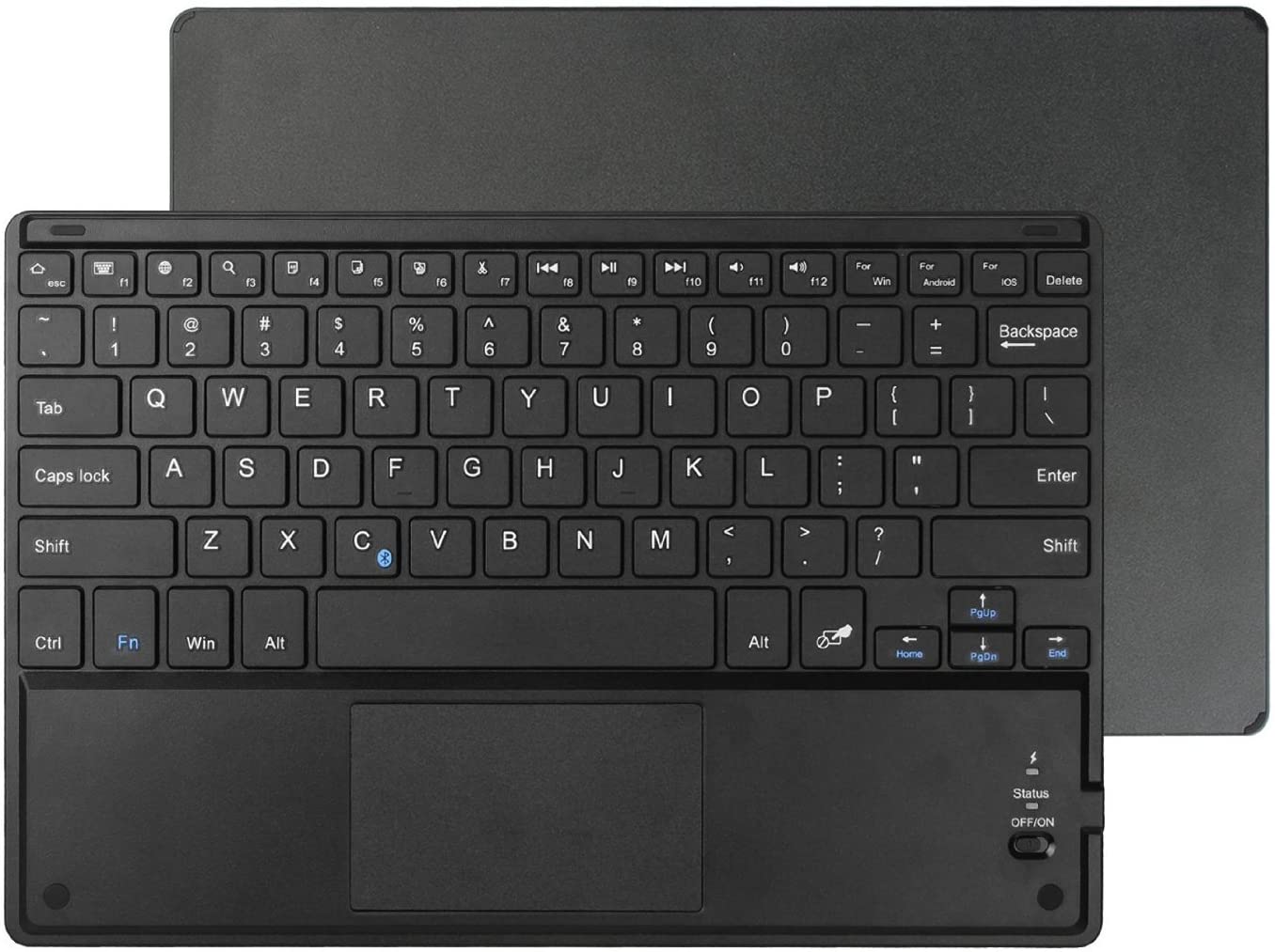
Keyboard layout affects typing speed, comfort, and desk space. Full-size keyboards typically include a numeric keypad, while compact layouts are easier to carry and fit into smaller work areas.
Consider these factors:
- Key spacing and keycap shape.
- Key travel and typing feedback.
- Full-size, compact, or slim design.
- Function keys and multimedia shortcuts.
- Language layout and key legends.
- Build quality and printing durability.
Membrane and scissor-switch mechanisms are common choices for office and portable keyboards. The right mechanism depends on the desired typing feel, product size, target price, and intended audience.
Consider Mouse Performance
The mouse is equally important when selecting a keyboard and mouse combo. A suitable mouse should provide stable cursor control and comfortable operation during extended use.
When evaluating the mouse, consider:
- Optical sensor performance.
- Cursor tracking stability.
- Scroll wheel design.
- Button layout and click feedback.
- Ergonomic shape and hand comfort.
- Mouse size and portability.
- Compatibility with the intended operating system.
For office use, quiet clicks and a comfortable shape may be more important than advanced gaming features. For mobile workstations, a lightweight and compact mouse may be more practical.
Check Battery Life and Charging Options
Battery design affects the convenience of daily use. Some products use replaceable batteries, while others include built-in rechargeable batteries.
Before purchasing, check:
- Battery type.
- Expected battery life.
- Charging method.
- Charging port design.
- Low-battery indicators.
- Whether the keyboard and mouse use separate power systems.
A rechargeable keyboard and mouse can reduce the need for frequent battery replacement. Replaceable batteries may be more convenient in situations where charging is not readily available.
Consider Multi-Device Switching
Some wireless keyboard and mouse combo models can pair with multiple devices. This can be useful for people who regularly move between a laptop, tablet, and desktop computer.
Before purchasing, confirm:
- The supported number of devices.
- How device switching works.
- Whether switching is controlled by a physical button or shortcut.
- Whether both the keyboard and mouse support the same switching behavior.
- Whether the switching process is compatible with the intended operating systems.
Multi-device connectivity is a model-specific feature, not a standard capability of every Bluetooth combo.
Evaluate Durability and Product Quality
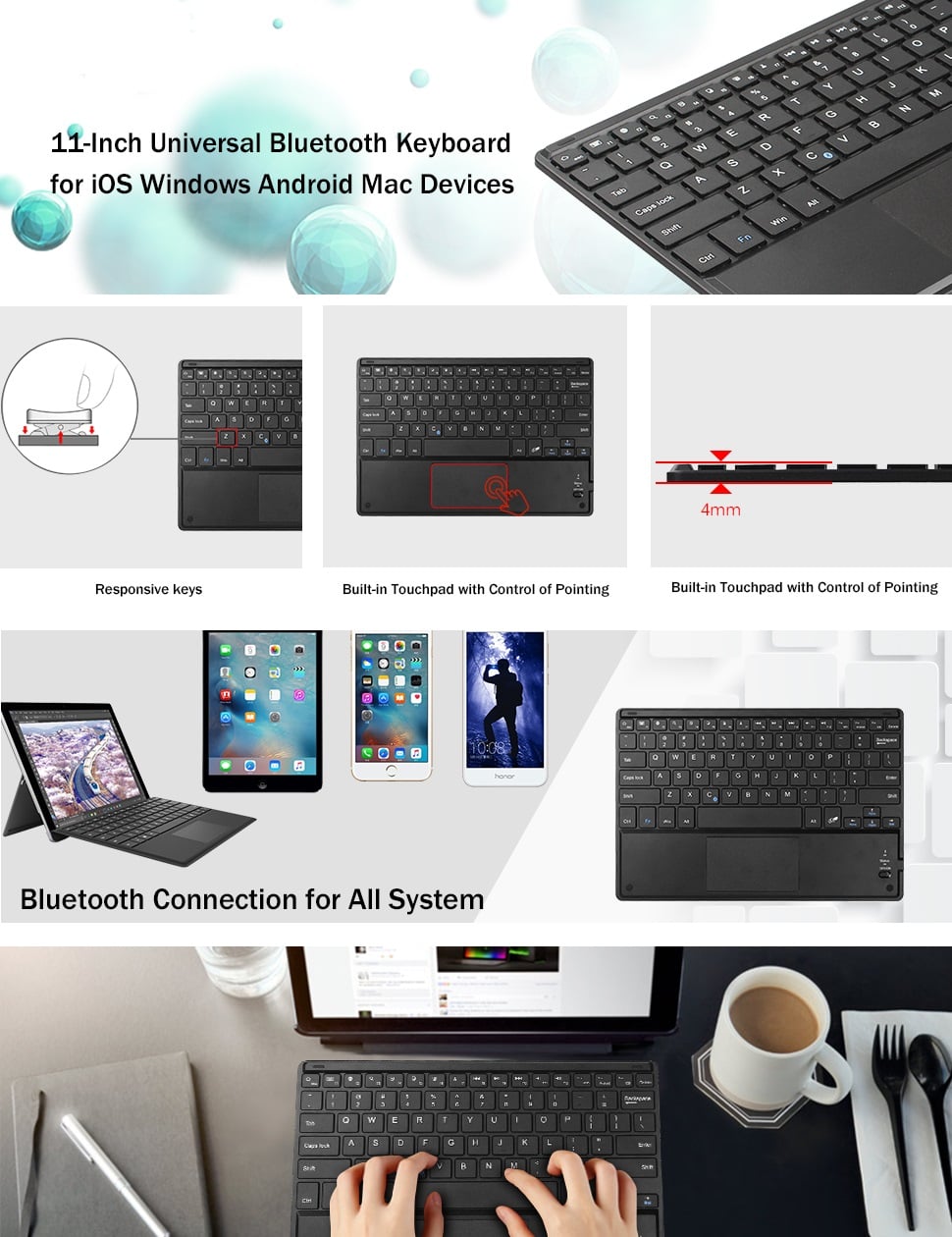
Product durability is important for both individual users and business buyers. A keyboard and mouse combo should be able to withstand regular use, transportation, and repeated pairing.
Important quality factors include:
- Keyboard frame strength.
- Keycap and key legend durability.
- Mouse shell construction.
- Button lifespan.
- Surface finish and scratch resistance.
- Connection stability.
- Quality consistency across production batches.
For businesses sourcing products in larger quantities, sample testing and production inspection can help identify quality issues before shipment.
Bluetooth Keyboard and Mouse for Tablet: What Should You Know?
A Bluetooth keyboard and mouse for tablet use can make compatible tablets more convenient for writing documents, answering emails, attending online classes, and completing productivity tasks.
However, tablet compatibility depends on both the tablet’s operating system and the features supported by the keyboard and mouse.
Tablet Compatibility
Before purchasing, check the following:
- Whether the tablet supports Bluetooth keyboards and mice.
- Whether the operating system supports the intended input functions.
- Whether the keyboard layout matches your language requirements.
- Whether special keys and shortcuts work as expected.
- Whether the mouse’s cursor and scrolling functions are supported.
A Bluetooth connection does not guarantee that every shortcut or advanced function will work across all devices. Confirm compatibility for the specific tablet model and operating system version.
Compact Design for Mobile Productivity
For tablet users, portability is often as important as performance. A slim keyboard and compact mouse can fit more easily into a backpack or laptop bag.
Useful design considerations include:
- Lightweight construction.
- Durable key legends.
- Stable wireless pairing.
- A protective carrying solution, where offered.
- Simple setup and reconnection.
- Efficient power management.
For users who travel frequently, battery convenience and quick setup can also improve the overall experience.
Portable Keyboard and Mouse: Features for Travel and Remote Work
A portable keyboard and mouse set is designed for users who work in different locations. It can support productivity in coworking spaces, hotels, classrooms, and temporary workstations.
What Makes a Keyboard and Mouse Portable?
Portability depends on more than the external dimensions. The overall combination of size, weight, durability, and ease of setup determines how practical a product is for travel.
Look for:
- A compact keyboard layout.
- A lightweight mouse.
- A design that fits easily into a bag.
- Durable construction for frequent transport.
- Straightforward Bluetooth pairing.
- Efficient power management.
- Compatibility with your main devices.
A smaller keyboard may omit the numeric keypad or some dedicated keys. Consider whether the reduced size suits your workflow before choosing a compact model.
Bluetooth Keyboard and Mouse for Windows and Mac
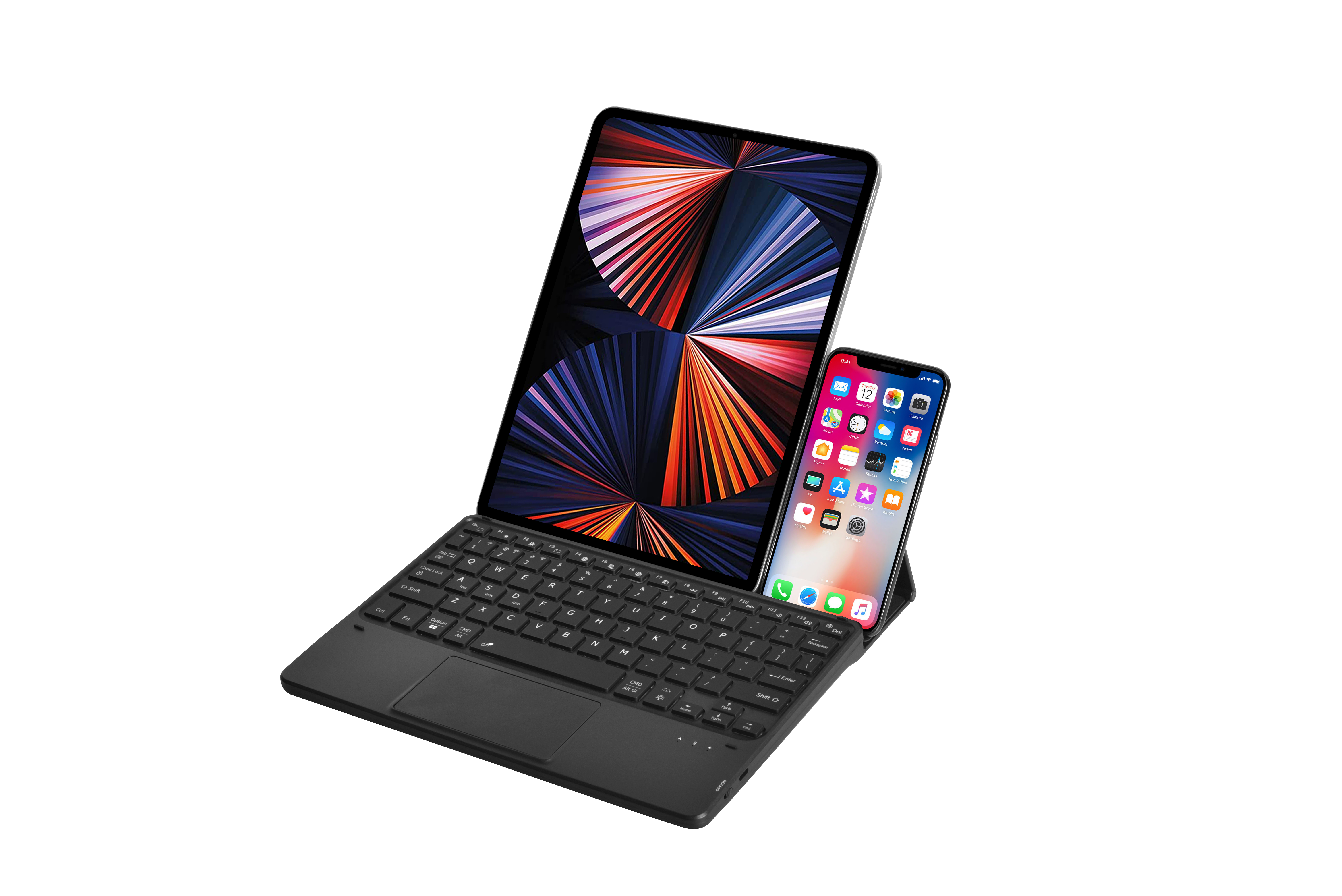
Operating system compatibility is another important part of buying a keyboard and mouse. A product may provide standard typing and cursor movement across multiple platforms, while special keys and advanced functions can vary.
Windows Compatibility
For Windows computers, verify that the device supports the target operating system and Bluetooth configuration.
Check the following details:
- Bluetooth compatibility.
- Function key support.
- Multimedia control support.
- Keyboard layout compatibility.
- Mouse cursor and scrolling functions.
- Any software or driver requirements.
- Special shortcut behavior.
If advanced functions are important to your workflow, confirm that the exact keyboard and mouse model supports them on the intended Windows device.
Mac Compatibility
For Mac users, confirm that the keyboard and mouse can connect to the intended Mac device and that the required functions are supported.
Buyers should also check:
- The keyboard layout and key legends.
- Command, Option, and other system key behavior.
- Multimedia shortcut compatibility.
- Mouse scrolling and cursor functions.
- Multi-device switching support.
- Any limitations affecting special functions.
Standard typing and cursor functions may work across different operating systems, but advanced shortcuts and system-specific keys should always be checked before purchase.
What Should Businesses Consider When Sourcing from a Manufacturer?
Businesses sourcing Bluetooth keyboard and mouse combos should evaluate more than the product appearance and unit price. Manufacturing consistency, customization capability, packaging, quality control, and delivery reliability can all affect the success of a product program.
Important factors include:
Product Customization
Ask whether the manufacturer can support:
- Custom keyboard layouts.
- Private-label branding.
- Logo printing or laser engraving.
- Customized color options.
- Packaging design.
- User manuals and labels.
- Product-specific firmware or function settings, where applicable.
Sample Quality
Request samples before confirming a larger order. Test:
- Bluetooth pairing.
- Connection stability.
- Typing comfort.
- Mouse tracking.
- Battery performance.
- Key and button durability.
- Compatibility with target devices.
The sample should represent the intended production version as closely as possible.
Quality Control
Professional manufacturers should have a clear quality-control process covering incoming materials, assembly, functional testing, appearance inspection, and pre-shipment checks.
Businesses should clarify:
- Inspection standards.
- Acceptable defect levels.
- Functional testing procedures.
- Packaging inspection.
- Production batch consistency.
- After-sales support.
Packaging and Logistics
Packaging should protect the keyboard and mouse during transportation while also supporting the product’s retail positioning.
Consider:
- Inner protection.
- Carton strength.
- Product labels.
- Barcode requirements.
- Shipping marks.
- Package dimensions and weight.
- Documentation requirements.
A clear packaging and logistics plan can help reduce damage, delays, and receiving problems.
Frequently Asked Questions
What is the difference between a Bluetooth keyboard and mouse and a wireless keyboard and mouse combo?
Bluetooth is a type of wireless connectivity. A Bluetooth keyboard and mouse connect directly to a compatible host, while some other wireless combos use a dedicated USB receiver.
Can I use a Bluetooth keyboard and mouse with a tablet?
Yes, if the tablet supports the required Bluetooth input functions. Check operating system compatibility, keyboard layout, mouse support, and any special-function limitations before purchasing.
What should I consider when buying a keyboard and mouse?
Consider connectivity, compatibility, typing comfort, mouse performance, battery life, portability, durability, and price. Business buyers should also evaluate sample quality, customization options, and manufacturing consistency.
How do I choose a wireless keyboard and mouse combo for Windows?
Check Windows compatibility, connection type, keyboard layout, mouse performance, battery requirements, and any special function-key support. Confirm that the exact model meets your computer’s connectivity requirements.
Is Bluetooth better than a 2.4 GHz wireless connection?
Neither option is universally better. Bluetooth may be more suitable for tablets, laptops, and devices with limited USB ports, while a 2.4 GHz wireless connection may be convenient for desktop computers with an available USB port.
Is a compact keyboard suitable for office work?
A compact keyboard can be suitable for office work if the user does not need a numeric keypad or a large number of dedicated keys. Before choosing a smaller layout, consider typing habits and daily workflow requirements.
Conclusion
Choosing the right Bluetooth keyboard and mouse combo requires a balance between connectivity, compatibility, comfort, portability, battery performance, and product durability.
For tablet and mobile users, compact design, stable pairing, and efficient power management are important considerations. For office users, typing comfort, mouse ergonomics, quiet operation, and long-term reliability may be more important.
Businesses sourcing products from a professional manufacturer should also evaluate customization options, sample quality, quality-control procedures, packaging, and production consistency. By reviewing these factors in advance, buyers can select a Bluetooth keyboard and mouse combo that better matches their users, devices, and business requirements.
Image ALT Text Recommendations
Use relevant, compressed product images with descriptive ALT text. Each ALT attribute should accurately describe the image rather than simply repeating the same keyword.
- Bluetooth keyboard and mouse combo for office productivity
- Wireless keyboard and mouse combo on a modern desktop
- Bluetooth keyboard and mouse for tablet productivity
- Portable keyboard and mouse for travel and remote work
- Compact Bluetooth keyboard with slim key layout
- Wireless Bluetooth mouse with optical sensor and scroll wheel
- Bluetooth keyboard and mouse product quality inspection
- OEM Bluetooth keyboard and mouse customization and packaging

