
 EN
EN

Rugged iPad Keyboard Cases for Education: A School Buying Guide
For schools and education organizations, an iPad must do more than support digital learning. It also needs to withstand daily student use, support different classroom activities, and remain practical for IT teams to deploy and maintain.
A rugged iPad keyboard case for education combines device protection with a physical keyboard and an adjustable stand. Depending on the model, it can support typing, viewing, reading, drawing, and presentations without requiring students to remove the protective case.
The right solution can help schools protect their iPad fleet, improve student productivity, and simplify everyday classroom workflows.
Why Use a Rugged iPad Keyboard Case in Schools?
School-owned iPads are frequently carried between classrooms, shared by students, and used for both touch-based and keyboard-based activities. A standard tablet cover may protect the device, but it does not always provide the typing comfort, stability, or durability required for regular classroom work.
A rugged keyboard case for iPad can provide several practical benefits:
- Protection: Reinforced corners and impact-resistant materials help protect against everyday drops and handling.
- Productivity: A physical keyboard supports essays, assignments, assessments, and research tasks.
- Flexible learning: A kickstand supports typing, viewing, reading, and sketching positions.
- Simpler deployment: Smart Connector models can reduce Bluetooth pairing and separate charging requirements.
- Lower maintenance: Durable, wipe-clean materials and serviceable components can help reduce downtime.
For large deployments, these details affect more than student convenience. They can also influence device lifespan, maintenance workload, and total cost of ownership.
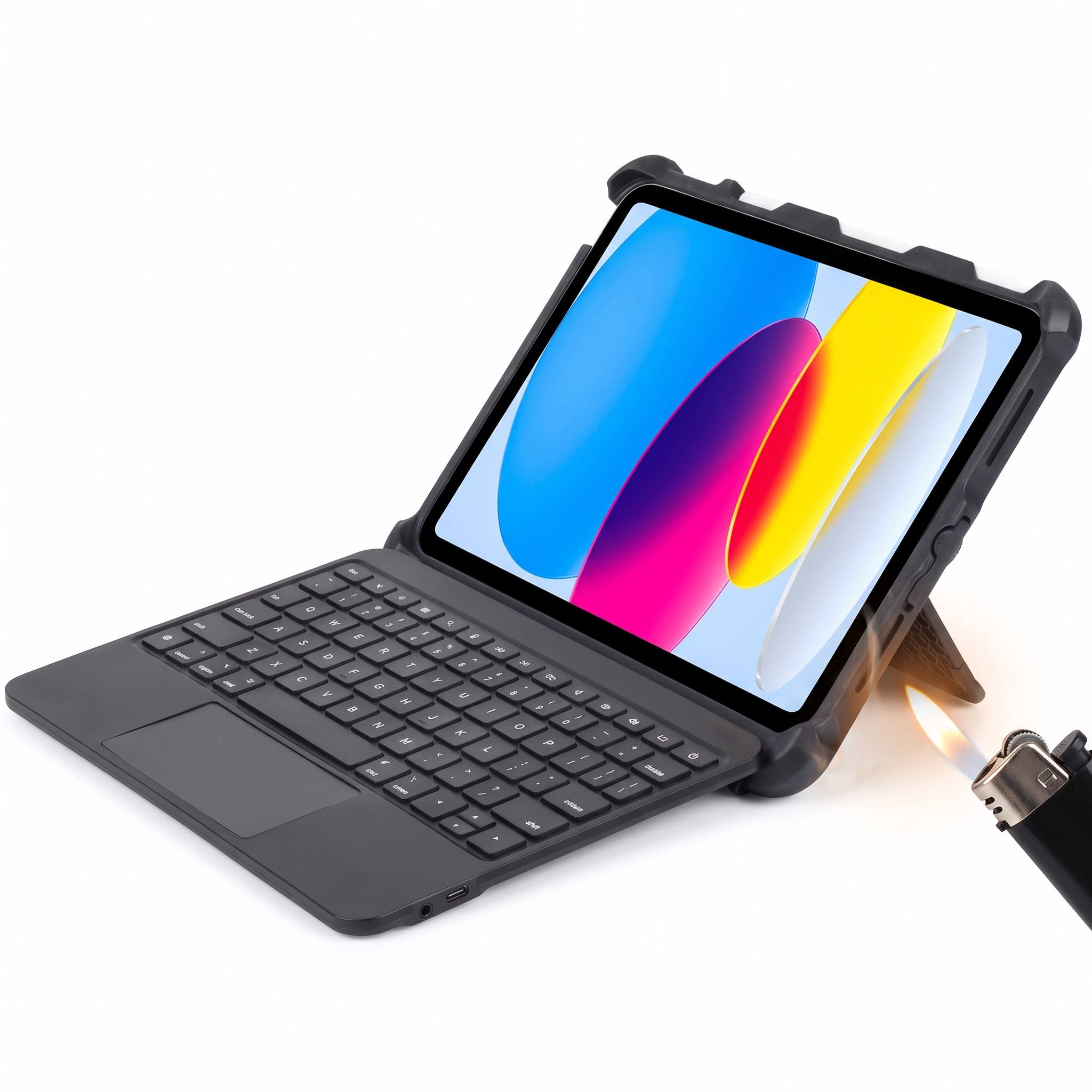
Key Features to Look For
1. Rugged Protection
Choose a case with a secure frame, reinforced corners, and impact-resistant layers. Protection should cover the iPad body while still allowing access to the screen, camera, ports, and controls.
If a product claims military-grade or MIL-STD drop protection, ask for the relevant test standard, test conditions, and model-specific documentation. Do not assume that a general marketing claim applies to every product configuration.
2. Stable Kickstand and Multiple Viewing Angles
A reliable kickstand or multi-angle hinge allows students to switch between typing, watching lessons, reading, and presenting. The stand should remain stable on a desk and provide a comfortable viewing angle for longer tasks.
A flexible stand is especially useful when one iPad is used for several activities during the same lesson.
3. Physical Keyboard and iPadOS Shortcut Keys
A physical keyboard is useful for students writing essays, completing online assessments, entering notes, and creating presentations. When comparing models, review:
- Key spacing and key travel
- Switch type and typing feel
- Resistance to everyday classroom wear
- Ease of cleaning and replacement
- A full row of iPadOS shortcut keys
Dedicated controls for volume, media, brightness, and other common functions can also reduce the number of steps needed during lessons.
4. Trackpad Options
A trackpad can improve cursor navigation, text selection, document editing, and spreadsheet work. It may be particularly useful for older students, higher education, and classes using cursor-based applications.
A trackpad is not essential for every classroom. For younger students or touch-focused learning, a simpler keyboard case may be easier to use and maintain. The choice should be based on actual student workflows rather than on features alone.
5. Stylus Storage
An Apple Pencil holder or Logitech Crayon compartment helps keep accessories with the iPad. Secure stylus storage supports drawing, handwriting, annotation, diagrams, and other creative learning activities.
Schools should check that the holder is secure during transport while remaining easy for students to access.
6. Cleaning, Connectivity, and Power
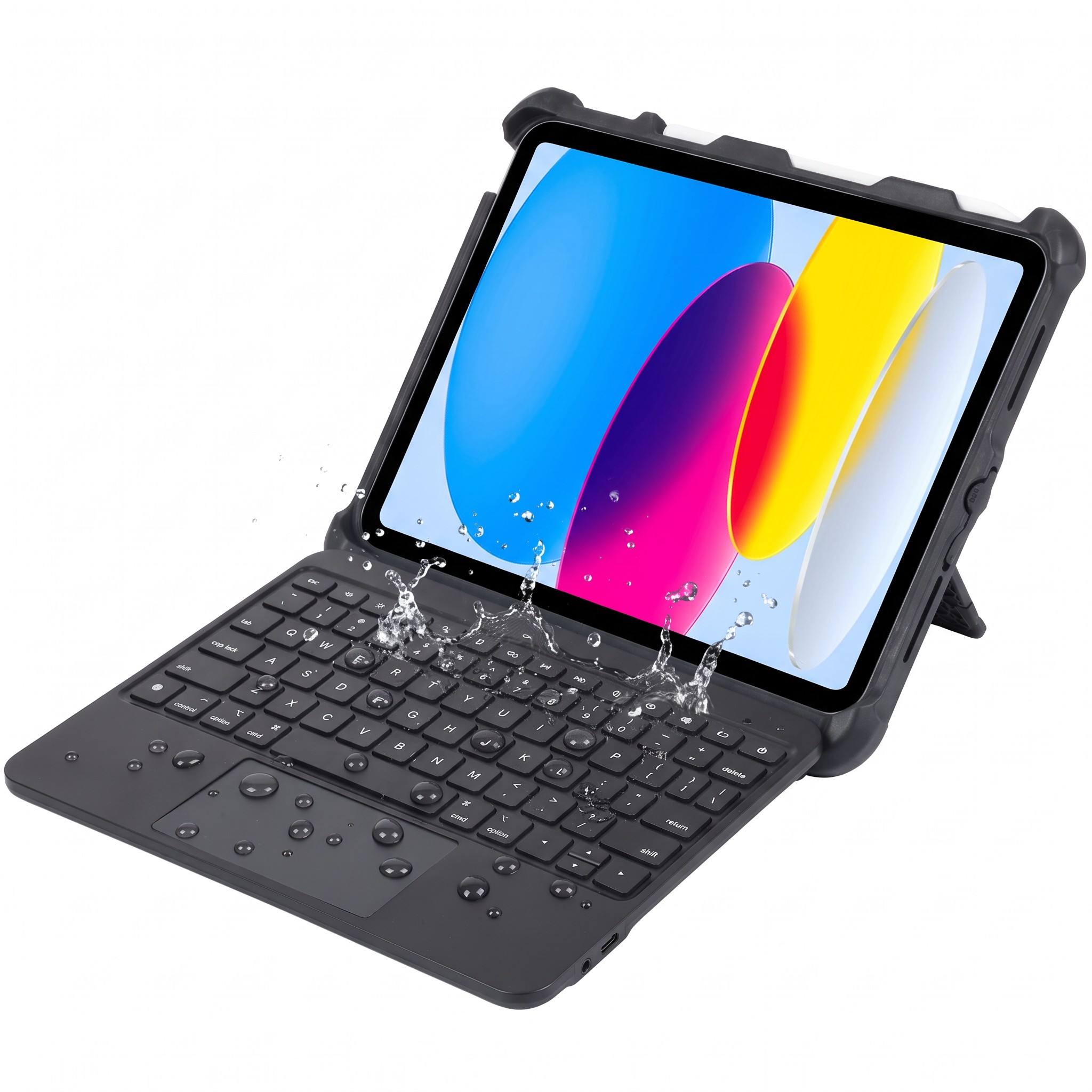
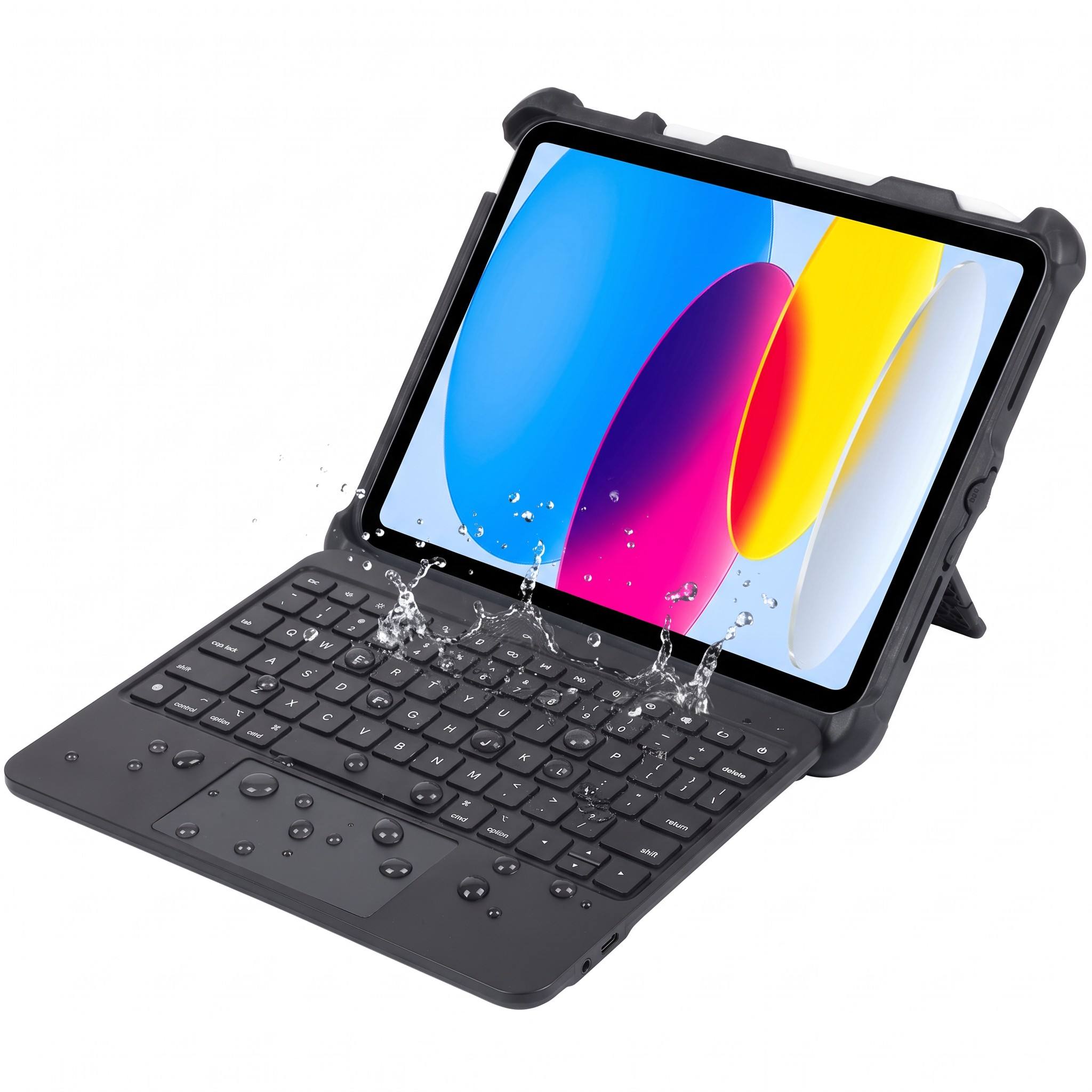
School devices are shared and handled frequently, so wipe-clean surfaces and spill-resistant keyboard designs can simplify maintenance. Always check the manufacturer's cleaning instructions before deployment.
Connection and power requirements are also important. A Smart Connector keyboard can connect to a compatible iPad and draw power directly from it, reducing manual pairing and separate keyboard charging. Bluetooth models may require pairing and periodic charging. Confirm the exact requirements for the selected model and iPad generation.
Four Classroom Learning Modes
A rugged iPad keyboard case should adapt to different classroom tasks. A kickstand and foldable or detachable keyboard can support four common modes:
- Type: Write assignments, complete assessments, and enter notes.
- View: Watch lessons, review presentations, and participate in group activities.
- Sketch: Draw, annotate, and use an Apple Pencil or Logitech Crayon.
- Read: Access digital textbooks, articles, and other learning content.
This flexibility allows students to change activities without removing the protective case.
Deployment Considerations for Schools and IT Teams
Before placing a bulk order, procurement and IT teams should evaluate the complete deployment rather than only the product appearance.
Confirm iPad Compatibility
Check the exact iPad generation, model number, and screen size. A case designed for one iPad generation may not fit another, even when the screen size appears similar. For products in the Rugged Combo 4 family, verify the latest compatibility information for the standard, Touch, and 4c Touch configurations before ordering.
Match the Case to Student Workflows
Consider how students use the iPad:
- Frequent essays and digital tests: prioritize a comfortable physical keyboard.
- Cursor-based applications: consider a Touch model with a trackpad.
- Drawing and handwriting: prioritize stylus storage and easy tablet access.
- Shared devices: prioritize durable, wipe-clean materials and simple maintenance.
- Large device fleets: prioritize easy connectivity, charging compatibility, and replacement support.
Test Before a Large Purchase
A short pilot with teachers and students can reveal issues that product specifications may not show, such as key spacing, stand stability, carrying comfort, cleaning time, and accessory storage. Testing a sample before a large deployment can reduce the risk of selecting a design that does not fit the classroom environment.
Review Long-Term Support
Ask about replacement parts, warranty coverage, repair procedures, and expected product availability. For schools, a replaceable component or supported repair process can be more valuable than a lower initial purchase price.
Choosing the Right Rugged Combo Configuration
The best configuration depends on the iPad fleet, student age, teaching methods, and IT priorities:
- Choose a standard keyboard case when the priority is durable typing and straightforward classroom use.
- Choose a Touch model when students need cursor navigation and trackpad support.
- Choose a detachable-keyboard design when students frequently switch between laptop-style and tablet-based activities.
- Choose a Smart Connector model when simple connectivity and power management are important.
Rugged Combo 4, Rugged Combo 4 Touch, and Rugged Combo 4c Touch may serve different classroom requirements. The standard Rugged Combo 4 is described for iPad 10th generation and iPad models with the A16 chip in the product information used for this guide. Because compatibility can vary by product version and region, confirm the exact model number with the manufacturer or supplier before a school-wide order.
School Purchasing Checklist
Before approving a rugged iPad keyboard case, confirm:
- Exact iPad model and generation compatibility
- Drop-protection test information, if claimed
- Keyboard layout, key durability, and iPadOS shortcut keys
- Kickstand stability and available viewing angles
- Detachable, foldable, or fixed keyboard design
- Trackpad availability and suitability for student workflows
- Apple Pencil or Logitech Crayon storage
- Cleaning instructions and spill-resistance claims
- Smart Connector or Bluetooth connection requirements
- Charging and pairing procedures
- Replacement parts, warranty, and repair support
- Compatibility with charging carts and school IT procedures
Frequently Asked Questions
What is a rugged iPad keyboard case?
A rugged iPad keyboard case combines a protective enclosure with a physical keyboard. Depending on the model, it may also include a kickstand, detachable keyboard, trackpad, stylus storage, and Smart Connector connectivity.
What should schools prioritize when choosing an iPad keyboard case?
Schools should compare protection, typing comfort, stand stability, compatibility, cleaning requirements, connection method, repairability, and student workflows. A trackpad is useful for cursor-based work but may not be necessary for every age group or subject.
What iPad models are compatible with Rugged Combo 4?
The product information used for this guide describes Rugged Combo 4 for iPad 10th generation and iPad models with the A16 chip. Schools should confirm the exact model number and the latest manufacturer compatibility list before placing a bulk order.
Does Rugged Combo 4 require Bluetooth?
The standard Rugged Combo 4 is designed to use Apple's Smart Connector with compatible iPads, so separate Bluetooth pairing is not required. Connection methods can vary between configurations, so confirm the specifications for the exact model being purchased.
Does the Rugged Combo keyboard need to be charged?
A Smart Connector model can draw power from a compatible iPad and does not require separate keyboard charging. Bluetooth models may have different charging requirements.
Does Rugged Combo 4 have a trackpad?
The standard Rugged Combo 4 does not include a trackpad. Rugged Combo 4 Touch and Rugged Combo 4c Touch are designed with a Multi-Touch trackpad. Confirm the exact configuration before ordering.
Conclusion
A rugged iPad keyboard case for education can help schools protect devices, improve typing productivity, and support flexible learning activities. The most suitable solution should combine dependable protection, a stable kickstand, a comfortable physical keyboard, easy maintenance, and verified compatibility with the school's iPad fleet.
When comparing products, focus on the features that affect daily classroom use: shock-absorbing protection, cleanability, iPadOS shortcut keys, stylus storage, simple connectivity, replacement support, and—when needed—a trackpad. Testing samples with teachers and students before a large deployment can help your school choose a practical solution with fewer maintenance surprises.
Need help selecting an iPad keyboard case for your education program? Contact our team to discuss compatibility, classroom requirements, sample testing, and bulk deployment options.

